Everything your restaurant needs, in one platform.
Digital menu, POS, kitchen display, delivery, inventory, employees, analytics and online ordering — running together, in real time.
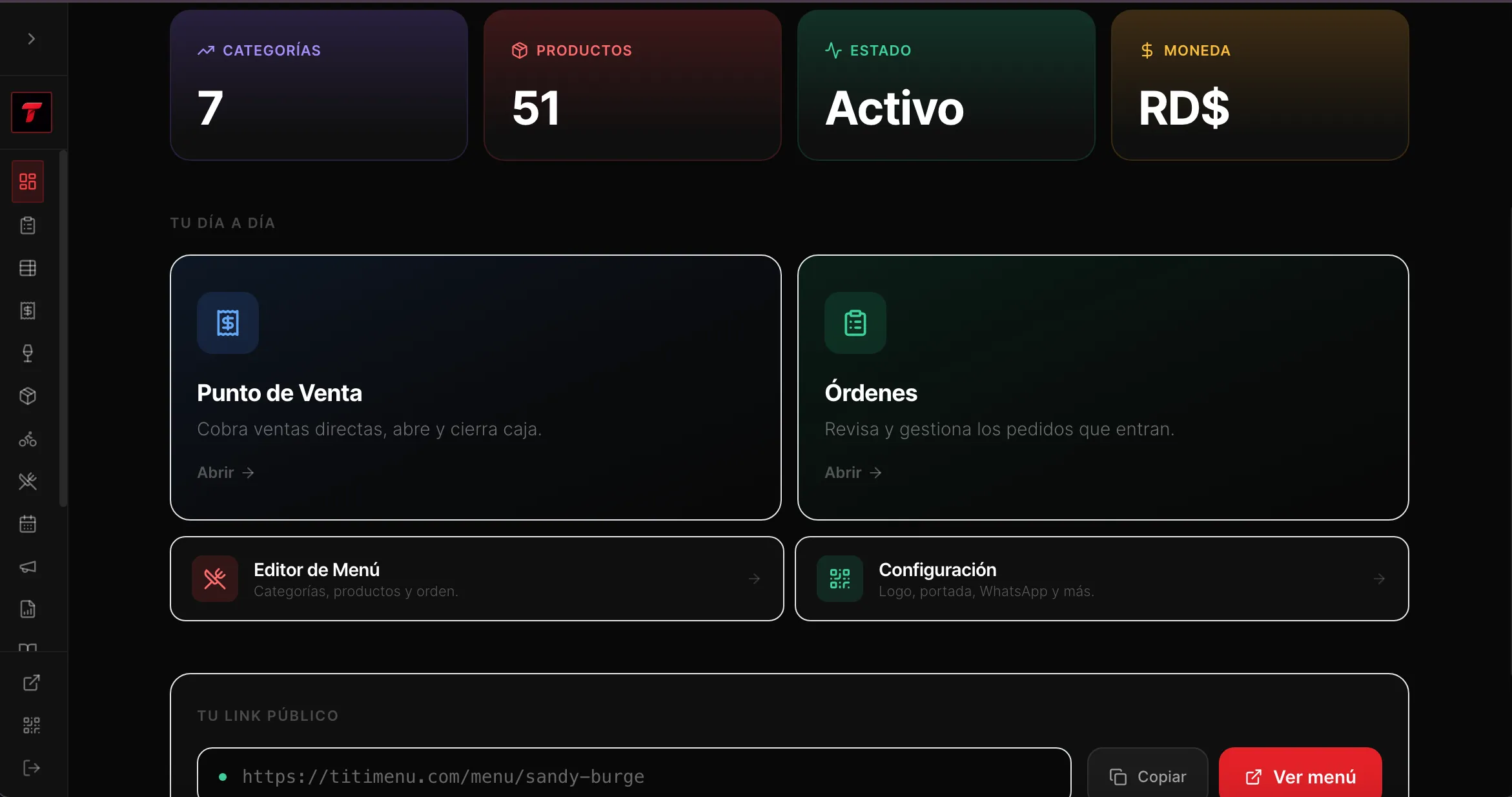
One single network
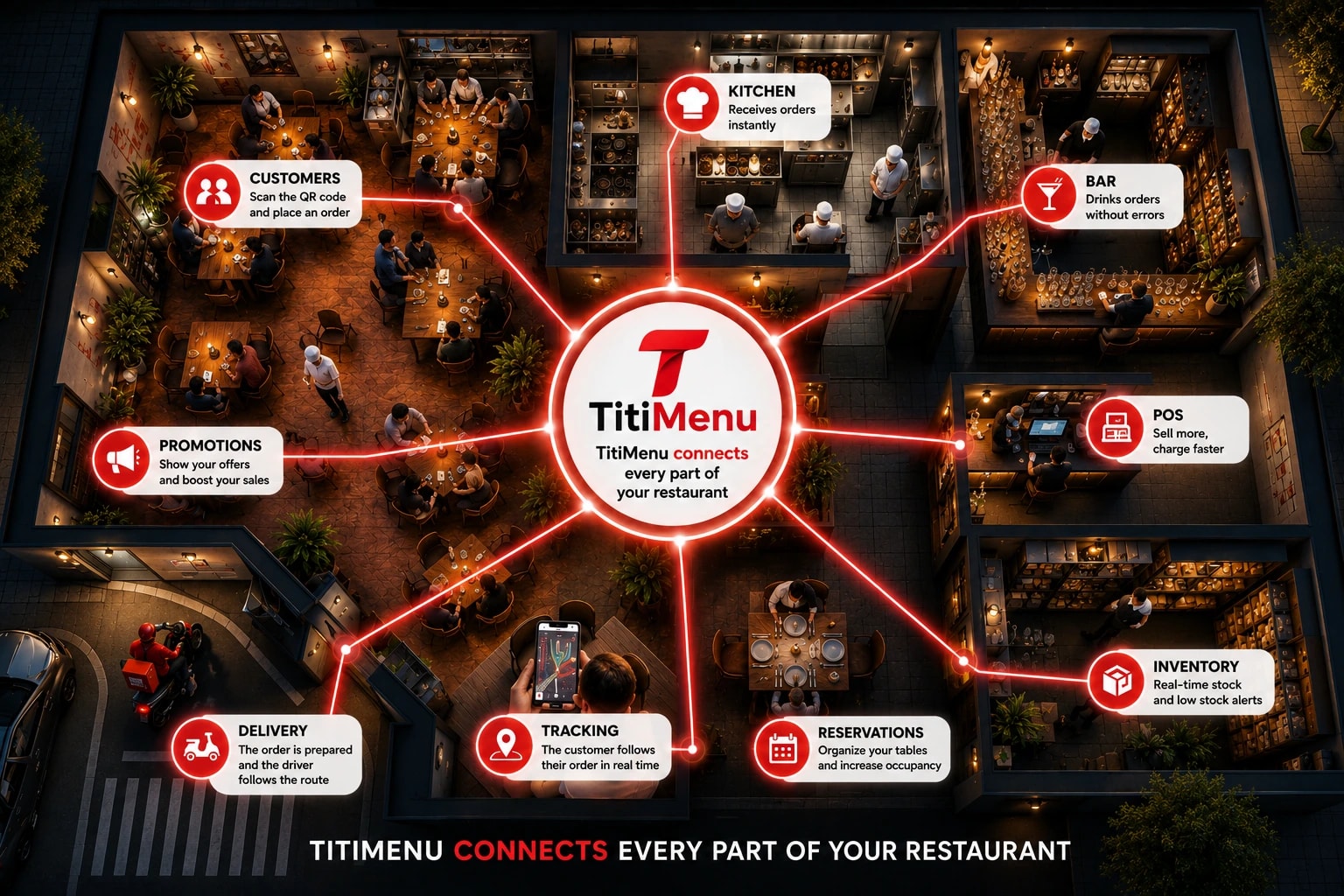
TitiMenu connects your entire restaurant.
Guests, kitchen, bar, POS, delivery, inventory and promotions — every area gets exactly what it needs, in real time.
The old way
Stop managing your restaurant with multiple apps.
Scattered tools
One platform: TitiMenu
Everything included
One system. Every part of your restaurant.
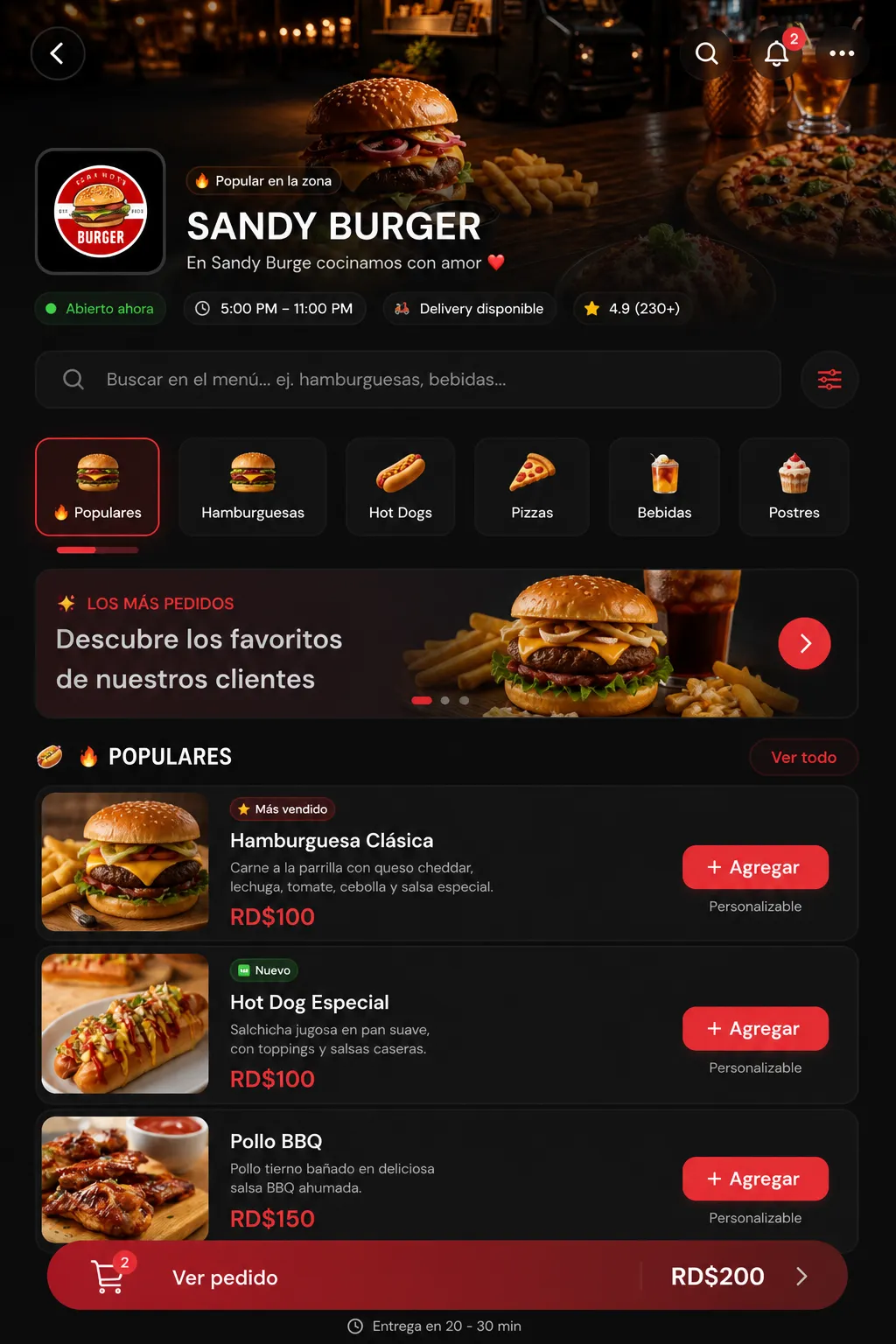
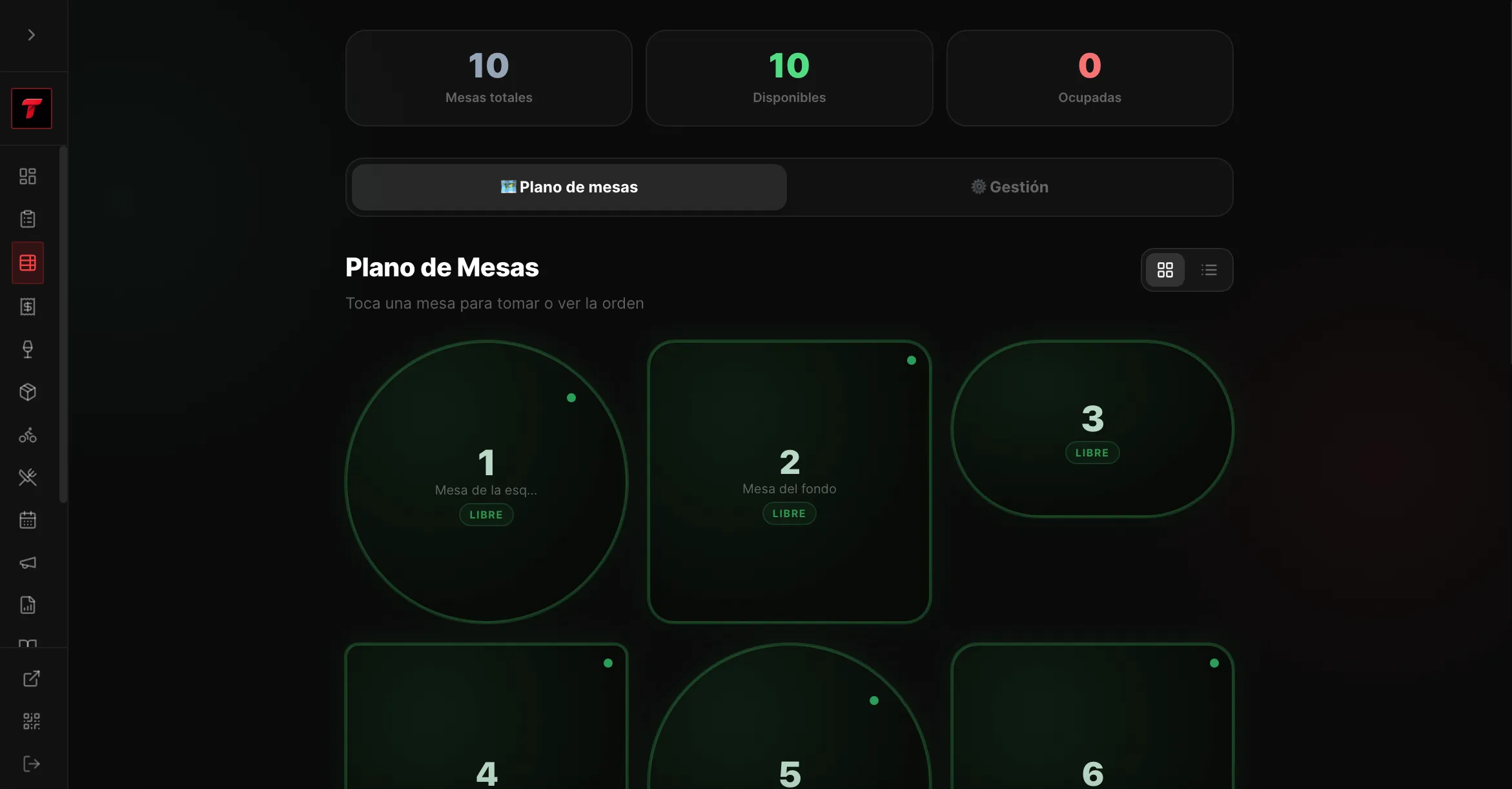
Digital Menu & QR Tables
Every table gets its own QR. Guests browse, customize and order straight from their phone — no app to download.
POS
Cash, card or mixed — close out the table in seconds.
Kitchen Display
Orders fire instantly, with built-in prep timers.
Bartender Screen
Drink orders route to the bar, separate from the kitchen.
Delivery
Live customer location, routed straight to your rider.
Inventory that updates itself
Every sale deducts stock automatically. Out-of-stock items disappear from the menu before a guest can order them.
Employees
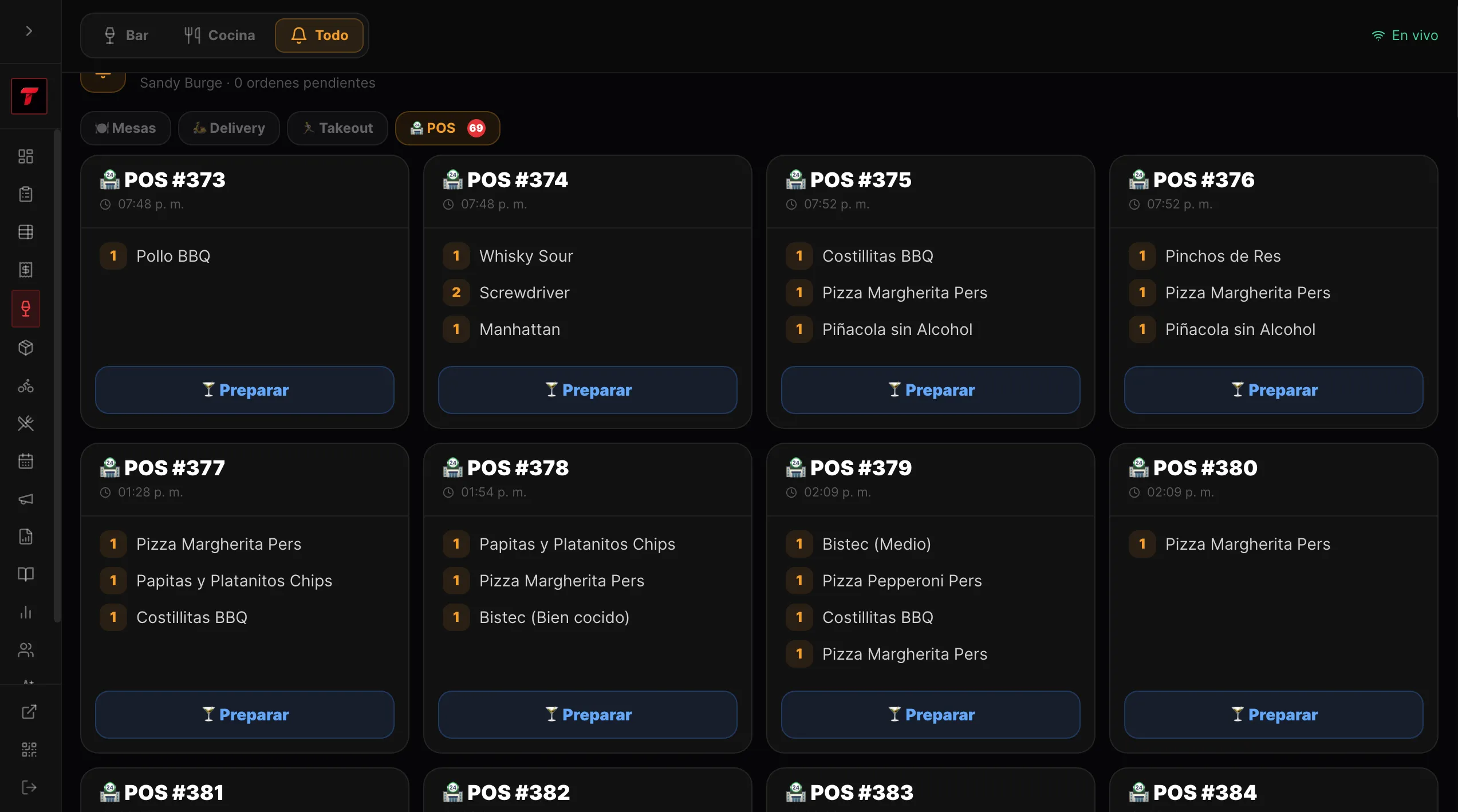
Role-based PIN access for every position.
Analytics
Sales, top products and peak hours, visualized.
Promotions
Combos, discounts and happy hour, front and center.
Fiscal Receipts
NCF-compliant invoices, generated automatically.
WhatsApp Orders
Orders can land directly in your WhatsApp, formatted and ready.
Realtime Alerts
Every new order pushes to your dashboard instantly.
Customer Location & Maps
Customers share their exact pin — open it straight in Google Maps, no back-and-forth.
How it flows
From the table to the truck, automatically.
Customer
Scans the QR at the table
Places order
Confirms items from the menu
Kitchen receives it
Instantly, no ticket printed
Bartender gets drinks
Routed to the bar screen only
Cashier gets paid
Closes out with fiscal receipt
Delivery dispatched
Rider gets the exact address
Order delivered
Customer enjoys the meal
Command center
Your whole restaurant, in real time.
Sales, orders, stock, staff and deliveries — one dashboard, updated live.
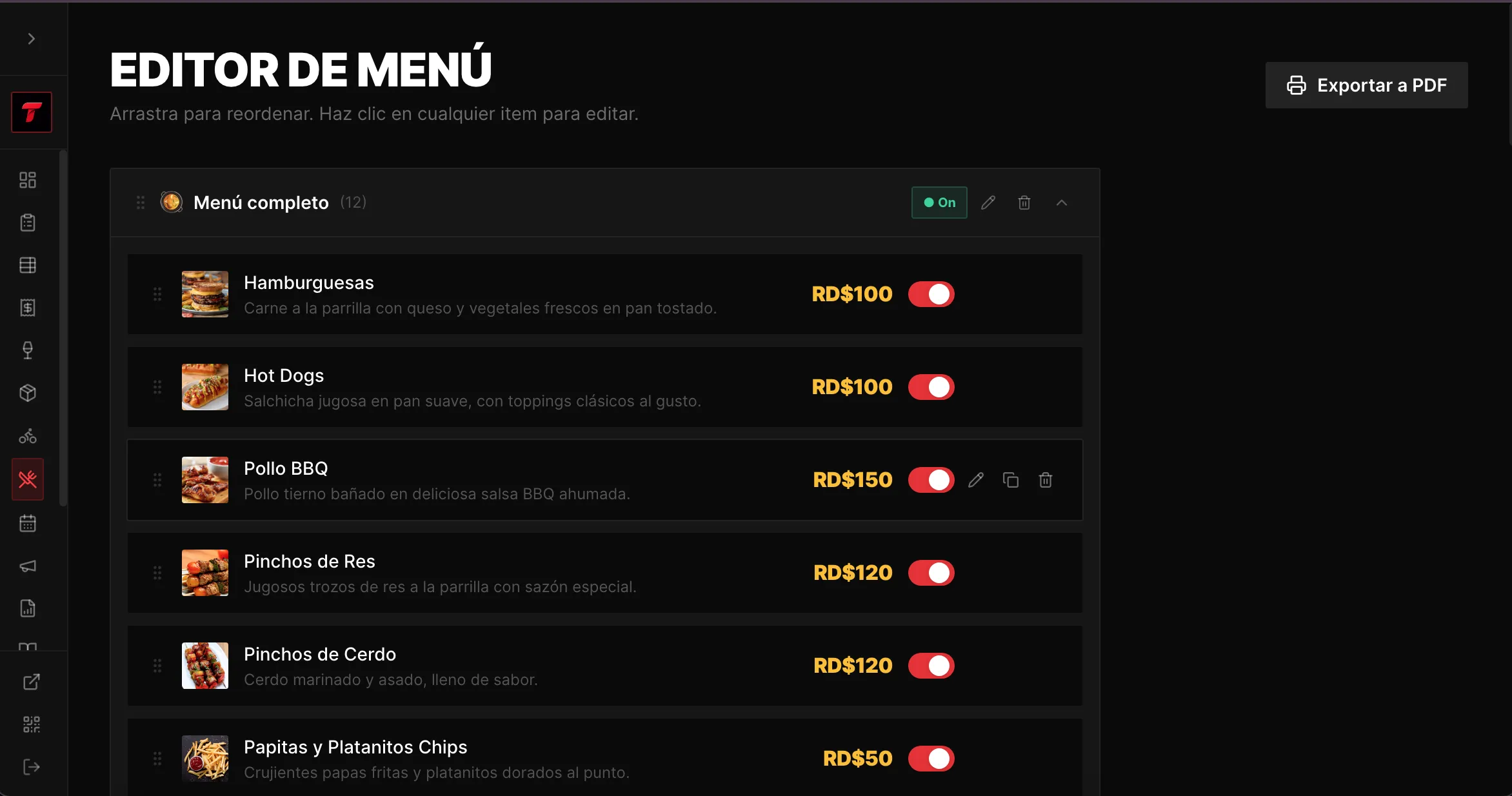
Point of sale
Close every table in seconds.
Cash, card or mixed payments. Generate a fiscal invoice (NCF) and printable receipt without leaving the table view.
FISCAL RECEIPT — NCF
B02 00012345
Method: Card
Total Paid: $41.00
Tap a method — try it
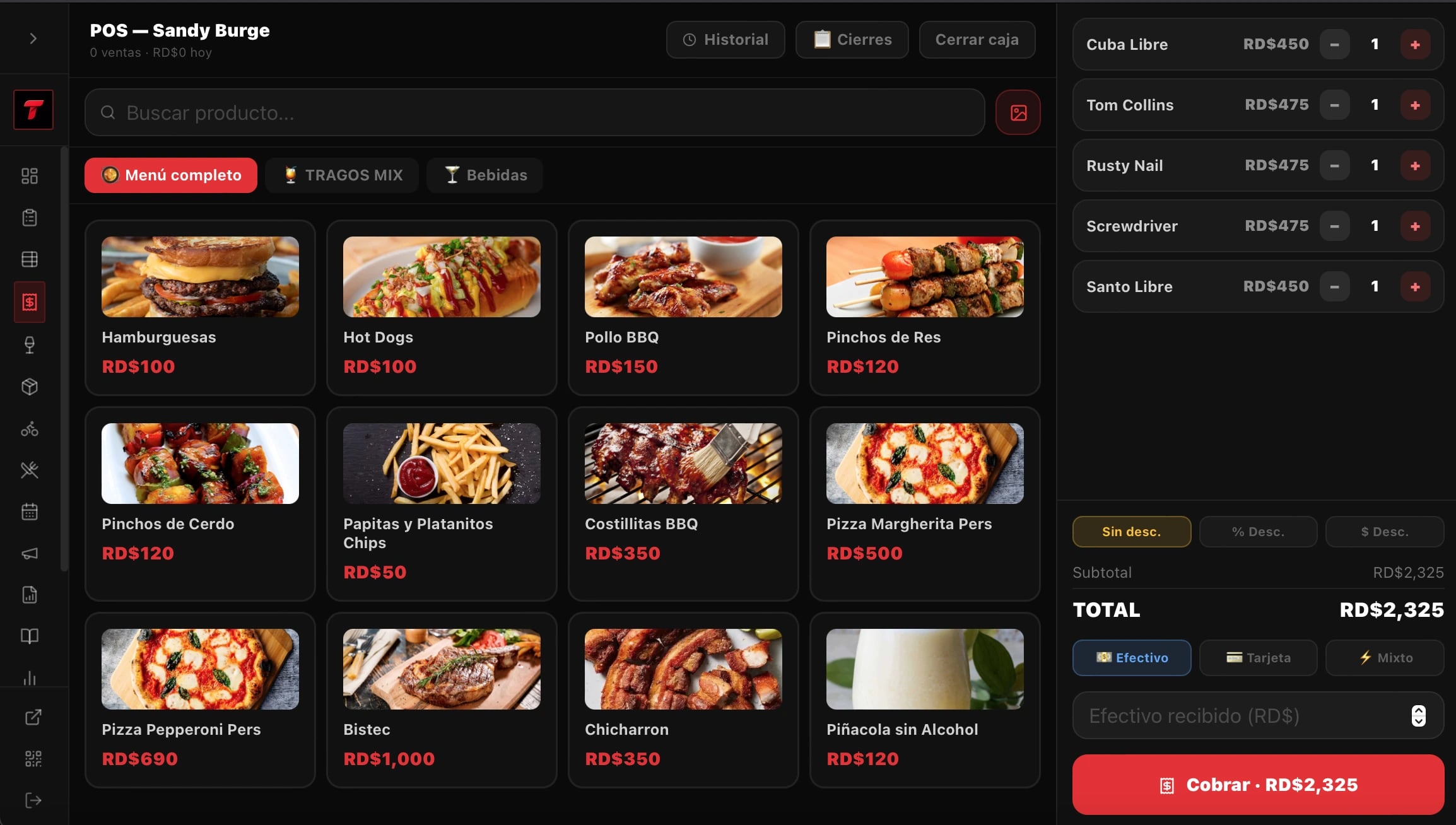
Kitchen display system
Built for the chaos of a rush.
Big tickets, color-coded status, separate bar and kitchen lanes.
1× Pasta Alfredo
2× Lemonade
ETA
11 min
Delivery
Never ask "where are you?" again.
Customers drop their exact location pin. Your rider sees the route, the distance, and opens it straight in Google Maps.
Inventory
Know what's running low — before it runs out.
Every sale deducts ingredients automatically. Get alerted before a key item hits zero, and disable it from the menu instantly.
Ingredient stock (demo)
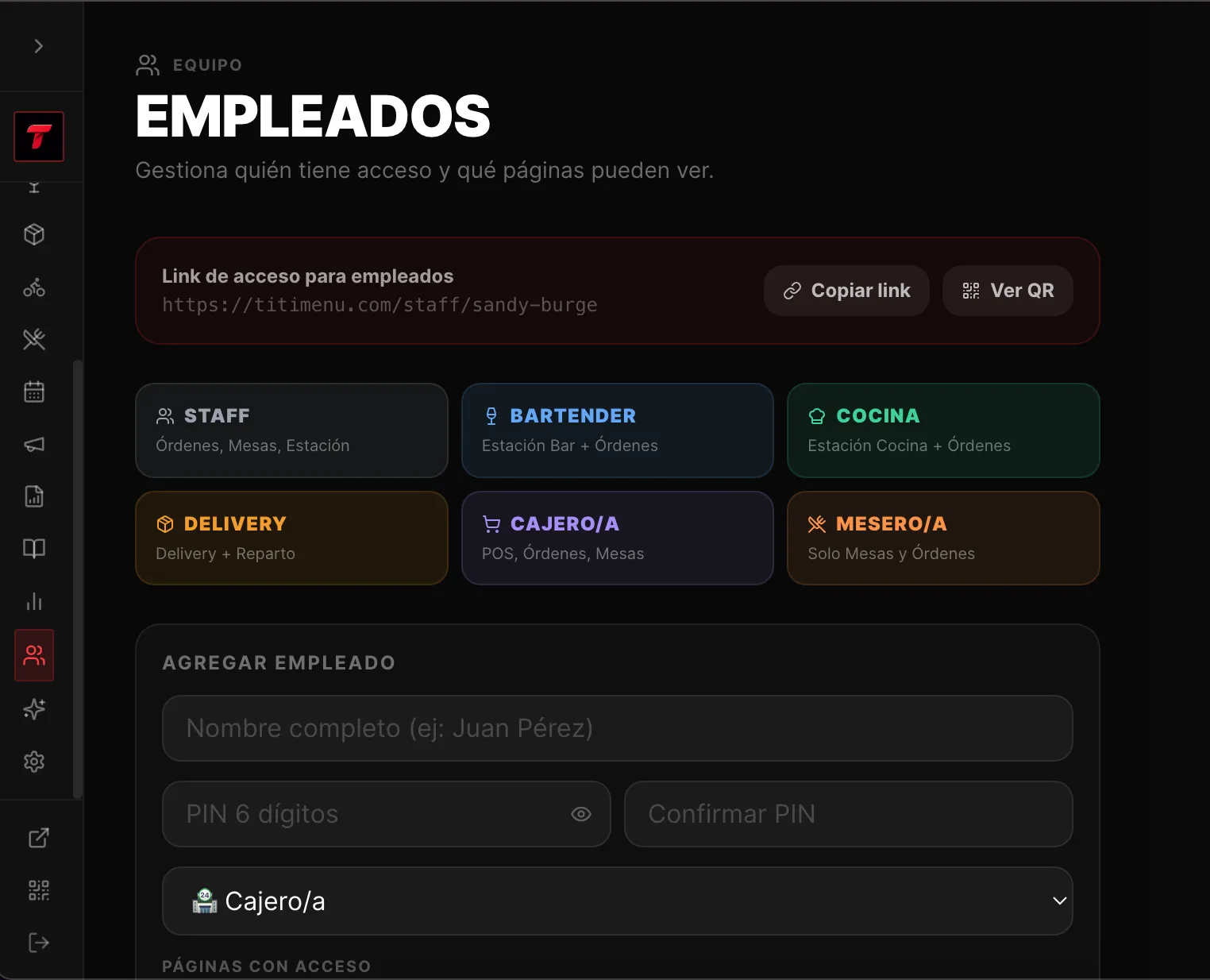
Employees & roles
Everyone sees exactly what they need.
PIN-based logins, scoped to each role. No one touches a screen they shouldn't.
Chef
Bartender
Cashier
Waiter
Delivery
Manager
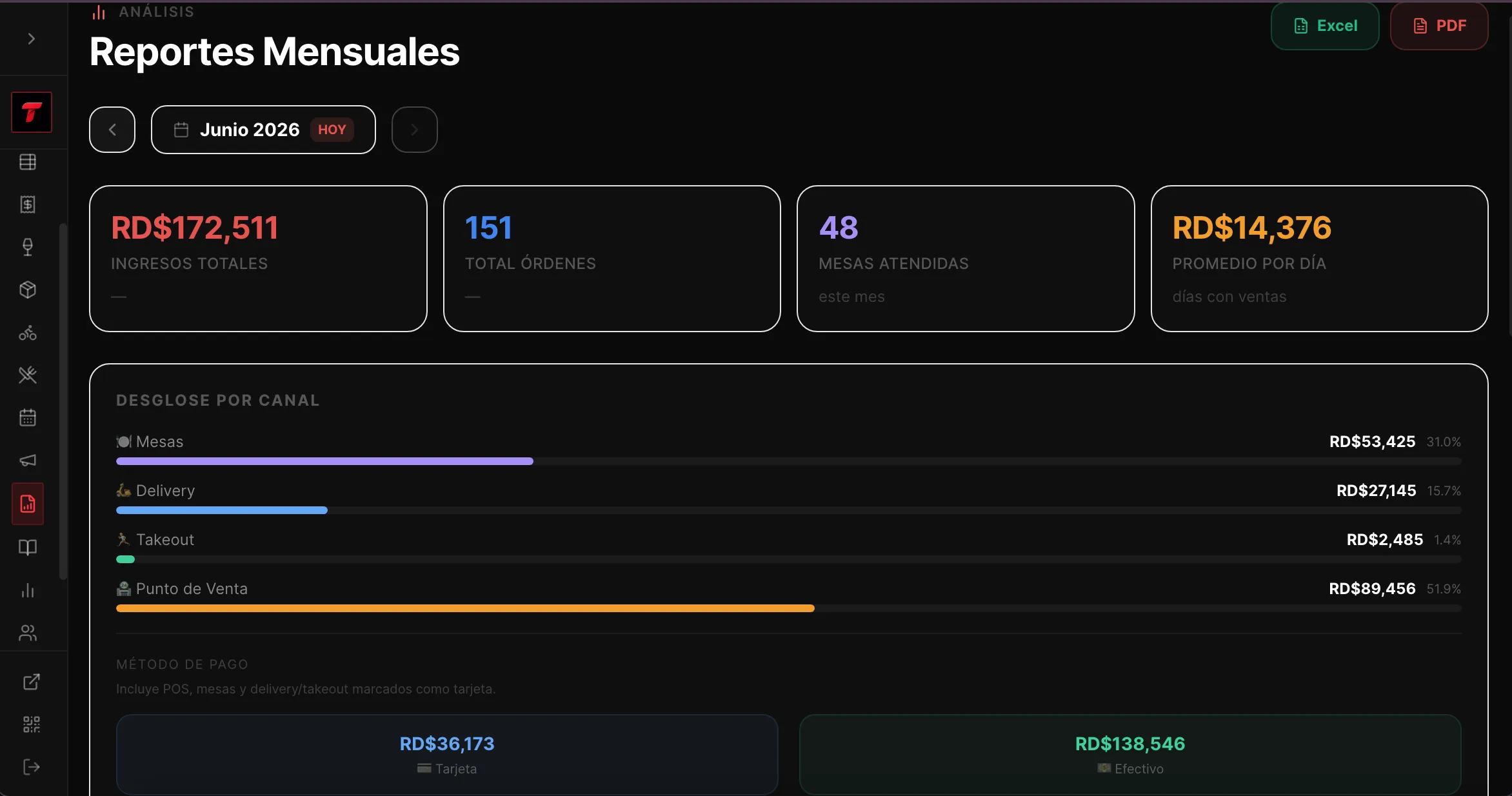
Analytics
Decisions backed by real numbers.
Revenue by channel, payment method and day — exportable to Excel or PDF.
What they say
What our customers say
I recommend their work — it's really good, great support and an excellent, very useful platform, both for restaurants and for places designed for long stays.
@_polaacooo
Customer on Instagram · translated
Frequently asked questions
What everyone asks
Does TitiMenu charge commission per sale?
−No. You keep 100% of what you sell. Zero commissions per order.
How are kitchen and bar orders organized?
+Does it work for delivery?
+Can I issue fiscal receipts (NCF)?
+Do my customers need to download an app?
+Do I need a credit card to start?
+Ready to
modernize your restaurant?
Digitize your operation today: menu, orders, register, kitchen, delivery and inventory in one place.
No credit card · No commitments